Disk full is two problems: bytes and inodes
Updated
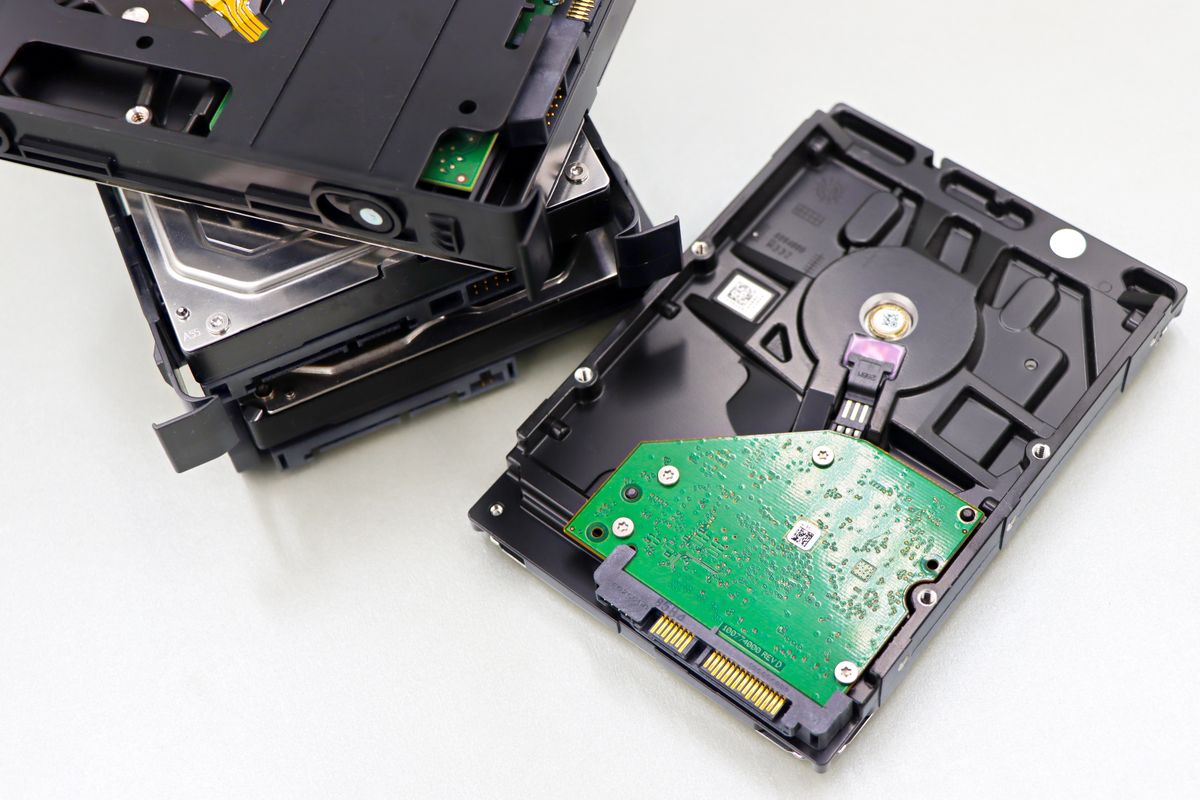
df says space free but writes fail? Inode exhaustion explained, plus a safe cleanup order that never deletes blind.
No space left on device has a twin most beginners never meet: no inodes left. A disk can show gigabytes free while refusing every new file, because the filesystem ran out of file slots. Both problems share one diagnosis order.
Bytes first, then inodes
Check block usage and inode usage side by side. If bytes are full, find the growing directory by size. If inodes are full, find the directory with the file count explosion, usually runaway logs, caches or session files.
Identify before deleting
Sort directories by size, then confirm what the big consumer is: whose file, which process writes it, whether retention covers it. Deleting a live database file frees space and creates unemployment. The safe targets are your own scratch, logs past their retention, and caches that rebuild themselves.
Worked example: a fictional training disk
The context below is fictional. Fictional directory /tmp/dlab-m04-02 (fictional) fills with thousands of tiny fixture files until new writes fail while free bytes remain. Diagnosis shows inode exhaustion, not byte exhaustion.
Cleanup follows the order: list biggest consumers, confirm they are disposable fixtures, remove them, verify both meters recover. The prevention is a fixture budget: counted files, cleaned by the same script that creates them.
Checklist: a disk cleanup you can defend
- Both meters checked: bytes and inodes.
- The consumer identified by owner and writer.
- Only disposable, out-of-retention or self-rebuilding targets removed.
- Both meters verified recovered after cleanup.
Related reading
- Hands on: Inode Pressure Safe Cleanup.
- DevOps Foundations Module 4 covers storage pressure.
Straight answers
Frequently asked questions
Disk shows free space but writes fail. Why?
Likely inodes: millions of small files exhaust the file count while bytes remain. Check inode usage, not just byte usage.
Can I just delete the biggest files?
Identify first, delete second. The biggest file is often a live log or database; deleting it blind causes the next incident.
What is safe to clean?
Your own training scratch, rotated logs past retention, and package caches. Never system paths you cannot name.